Contents · Jump to a section
Initially, website builders were just for creating and publishing a site without coding. Now, they offer more features to support branding, content, marketing, ecommerce, and other needs for running a business online. This helps small businesses launch and manage their brand much more easily.
That’s the appeal of “all-in-one” website builders. Design.com, Wix, and Squarespace all advertise themselves this way. However, they offer different approaches. The question now is which platform gives small businesses the most complete experience. Here’s how they compare.
Quick Comparison
Before the full breakdown, here’s how the three stack up at a glance:
| Design.com | Wix | Squarespace | |
| Branding/logo tools | Logo maker plus 50+ design tools | Logo maker plus other branding templates | Free standalone logo maker |
| Site builder | AI-generated + drag-and-drop editor | AI, website templates + visual editor | Blueprint AI, website templates + visual editor |
| E-commerce | Payments on paid plans | Full commerce stack from Core plan up | Selling included on every paid plan |
| Marketing tools | Email capture, contact forms | Broad suite: email, social, SEO, ads | SEO built in; email campaigns cost extra |
| Entry price | $9/mo ($6/mo annual) | $17/mo (annual) | $16–19/mo (annual) |
| Free option | Free plan (3 pages, watermark) | Free plan (Wix branding, subdomain) | 14-day free trial only, no free plan |
| Best for | All-in-one branding + site launch | Customization and app ecosystem | Design-forward, visual brands |
What Does an “All-in-One” Website Builder Actually Mean?
Having a long list of features doesn’t automatically make a website builder all-in-one. What matters is whether those features work together smoothly so you can create your brand, build your website, reach your target audience, and manage your business in one place. For this comparison, that’s what a strong all-in-one experience means.
How We’re Comparing Them
To see how well Design.com, Wix, and Squarespace deliver that experience, we’ll compare them across six criteria:
- Website builder: Ease of use, templates, customization, and the overall website creation process.
- Branding and logo tools: Options for creating a visual identity and keeping it consistent across different assets.
- Ecommerce: Features for selling products or services and managing online transactions.
- Marketing: Built-in tools for SEO, email, social media, and promoting your business.
- Pricing and bundling: What’s included in each plan, what requires an upgrade, and the overall value for small businesses.
- Support: The resources and assistance available when you need help.
With all these criteria, we’ll have a clearer picture of how much each platform can handle without relying on additional tools or services.
Website Builder and Templates
Design.com, Wix, and Squarespace all offer templates and AI-assisted ways to create a site, but they differ in how quickly they get you to a finished starting point, how much customization they provide, and how much control you have over the design.
Design.com:
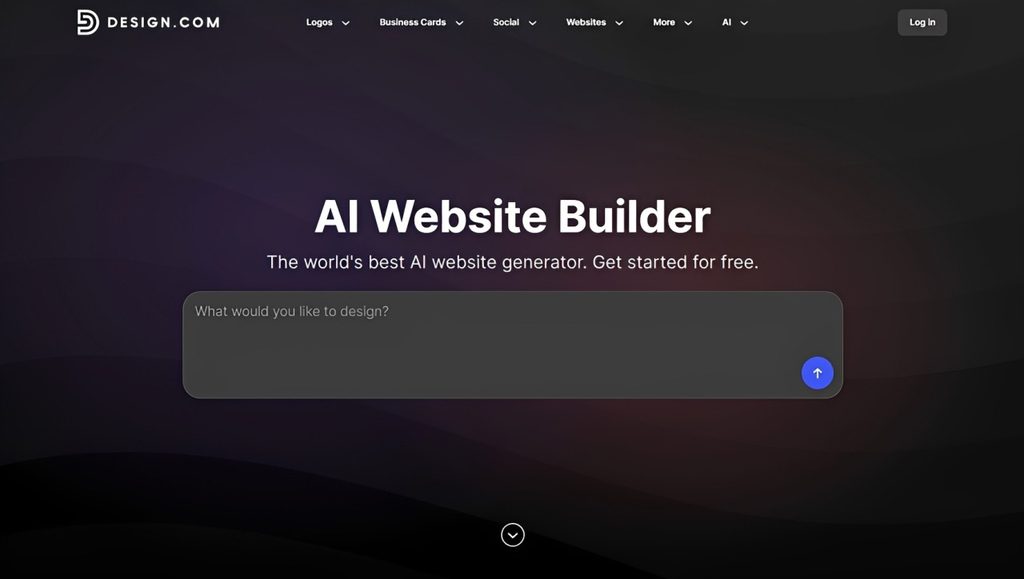
With just a single prompt, Design.com’s AI website builder can instantly generate multiple websites with industry-relevant images, content, layouts, pages, and functions. From there, you can choose your preferred design and customize the text, fonts, colors, and other design elements using the platform’s drag-and-drop editor. Design.com websites are also optimized for smartphones and tablets, so your audience can access your pages wherever they are.
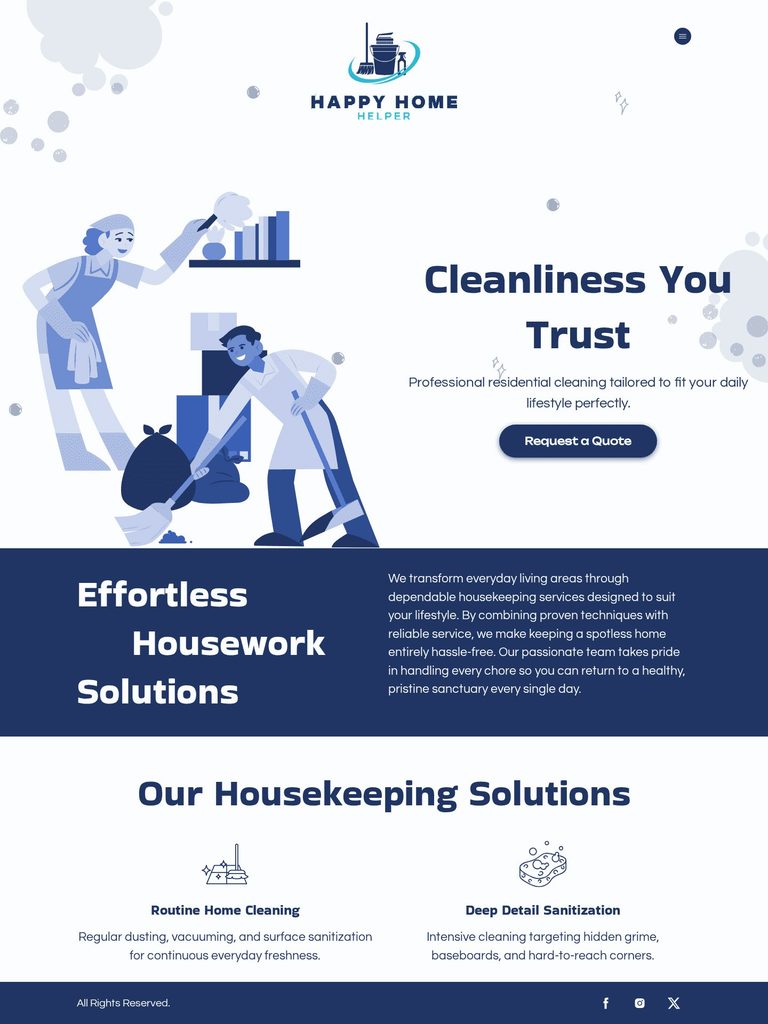
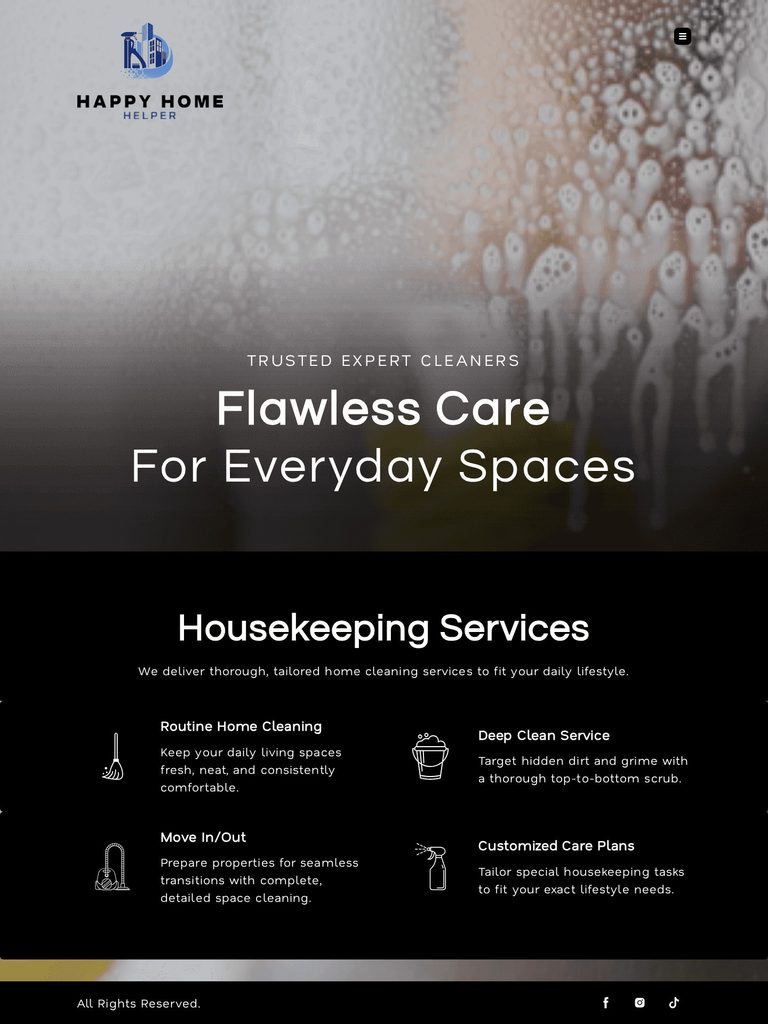
Here are some examples of website templates by Design.com:
Wix:
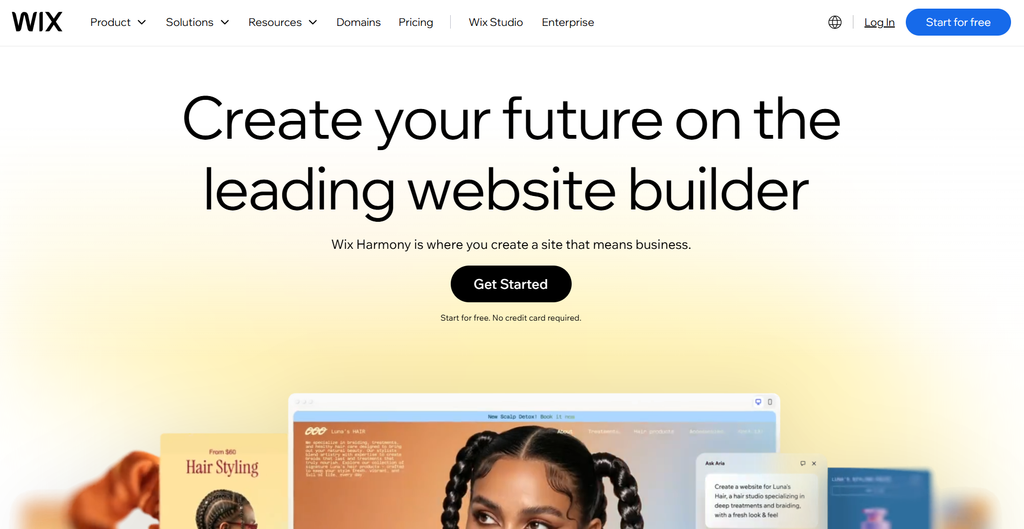
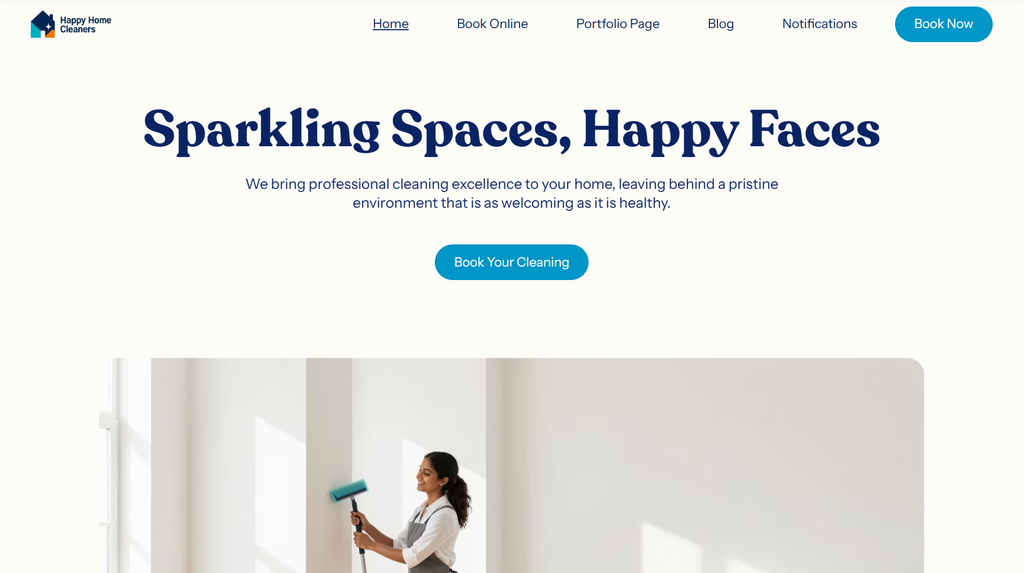
Wix offers two ways to create a website: through Wix Harmony, which uses AI, and Wix Studio, which is template-based. Both methods let you customize your website. Wix’s editor features extensive controls, making it useful for users who want more creative freedom in how their websites should look and function.
Here’s a sample website generated using Wix Harmony:
Squarespace:
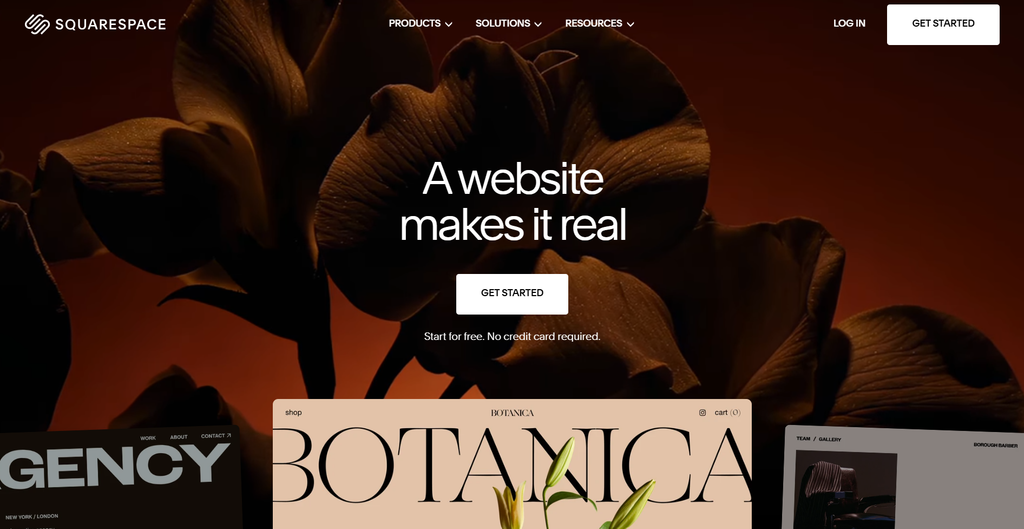
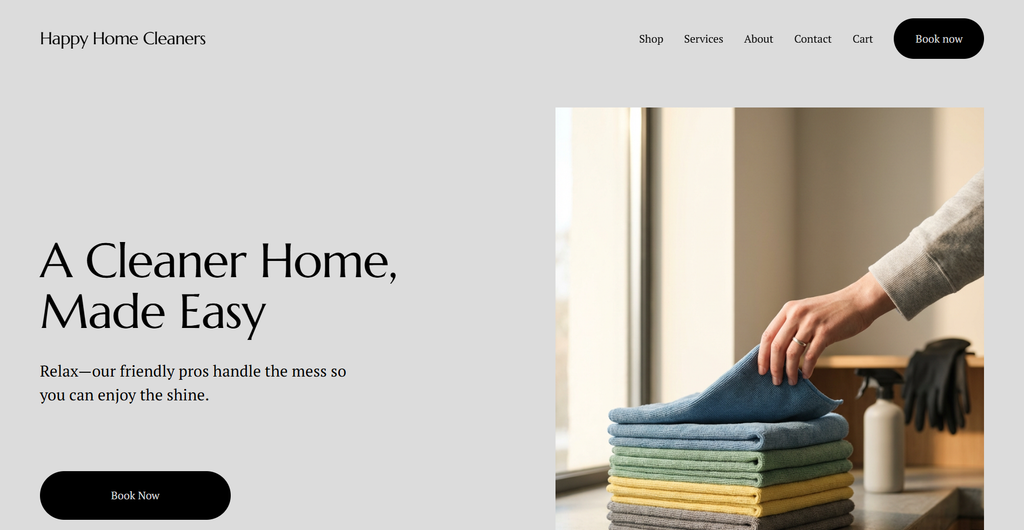
Like Wix, Squarespace also offers two options to create your website. But the starting point is just the same: you answer a series of questions about your business and the website you want to create. Then, you can choose between Squarespace’s Blueprint AI and its ready-made templates. Regardless, Squarespace also lets you customize your website using its visual editor.
Here’s a sample website generated by Squarespace through its Blueprint AI:
The takeaway:
Design.com offers the fastest path from a simple prompt to a complete, industry-relevant website, making it a strong choice for users who want to minimize setup. However, Wix stands out for its extensive customization and creative control, while Squarespace provides a more guided approach that balances ready-made designs with AI-assisted website creation.
Branding and Logo Tools
Branding is one of the biggest differences between the three platforms, especially for small businesses that still have yet to create their visual identity.
Design.com:
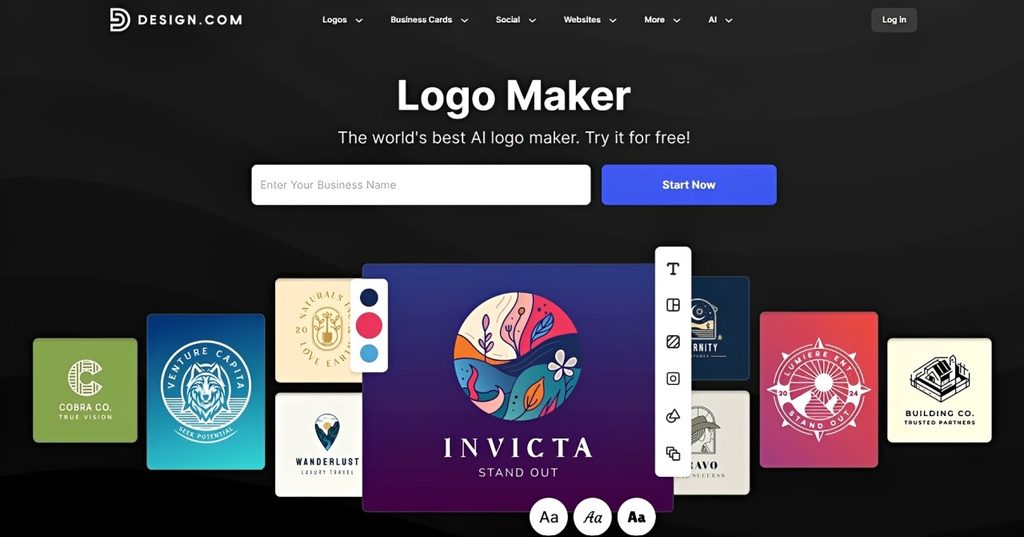
Design.com is a comprehensive branding platform with 50+ design tools, including its highly recognized logo maker. With a library of 500,000+ professionally designed logo templates and AI, you can create a polished visual identity that the platform can apply across multiple templates. This makes it easier to create consistent branded assets, like business cards, social media graphics, websites, and print ads.
Wix:
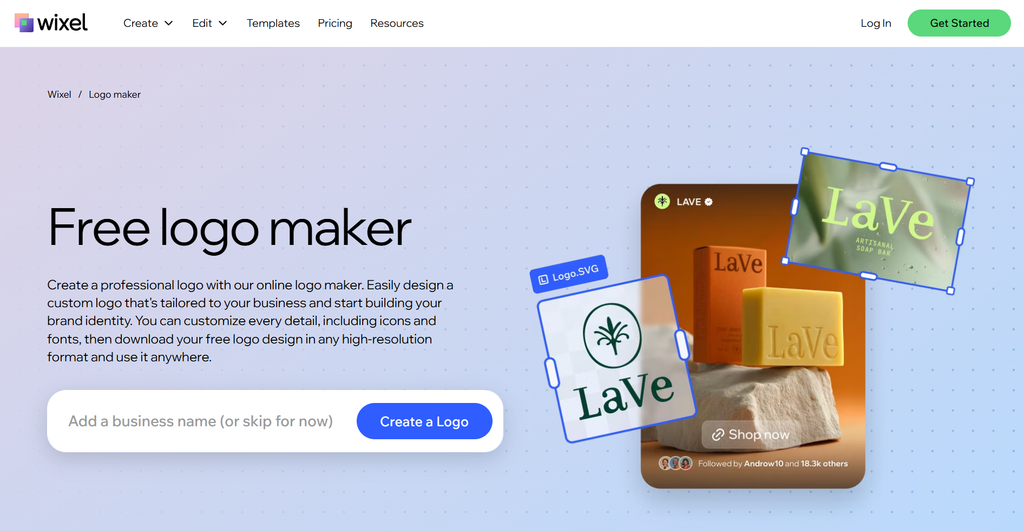
While Wix centers on website building, it also offers a broader AI design platform called Wixel, which you can use to create logos, social graphics, invitations, resumes, and other assets. Wixel can also turn your generated logo into a new Wix website with one click. However, branding and website creation still operate separately rather than being built into the same workflow from the start.
Squarespace:
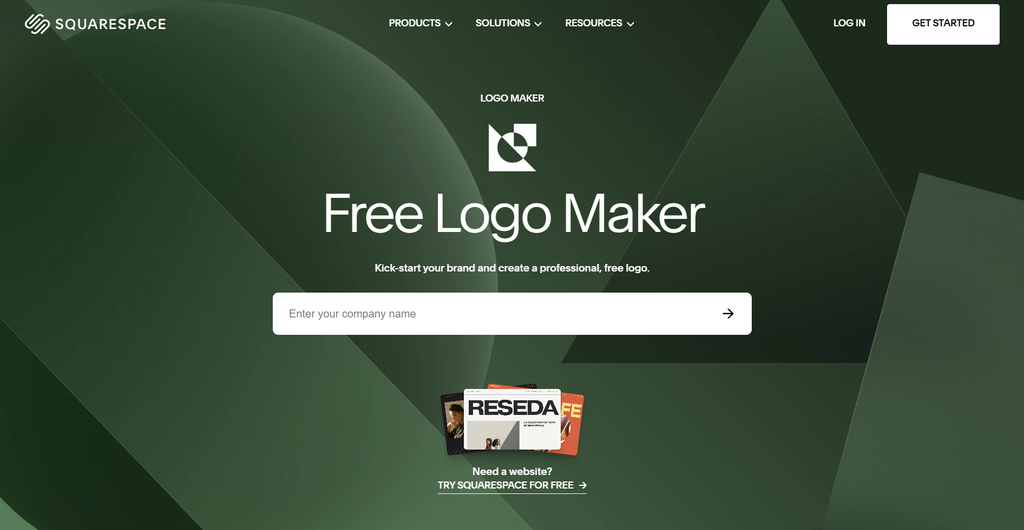
Squarespace provides a free standalone logo maker that lets you create a quick logo for your brand. But unlike Design.com and Wix, it only lets you build a logo by choosing an icon, font, and colors — no AI or designer-made templates. It’s also not integrated with the website builder, so you’ll have to download your finished logo and manually upload it to your Squarespace website.
The takeaway:
Design.com offers the most complete branding experience out of the three, with its extensive design tools and brand assets that work together across the platform. However, Wix also provides strong branding options through Wixel. Meanwhile, Squarespace offers the most basic branding tools, with a standalone logo maker that’s better suited to simple, minimalist designs.
Ecommerce Capabilities
The differences between Design.com, Wix, and Squarespace become more apparent when you look at their ecommerce capabilities. While all three let you sell through your website, they differ significantly in the tools they provide for managing an online store.
Design.com:
Design.com lets small businesses sell their products or services on their websites by supporting payments. The feature is available with a paid plan. It’s relatively straightforward rather than built around advanced store management.
Wix:
Wix offers a broader set of ecommerce features available from its Core subscription and above. It can manage products, inventory, orders, subscriptions, and other aspects of an online store. In addition, Wix’s app ecosystem lets you add more functionality as your business grows.
Squarespace:
Squarespace supports selling products and services on every paid plan. It also supports other ecommerce features like inventory management. With higher plans, you can also add abandoned cart recovery and subscription selling, suitable for stores that are actively scaling.
The takeaway:
Design.com covers the basic ecommerce functions for businesses. Meanwhile, Wix and Squarespace provide more advanced ecommerce functionality for businesses that hope to grow their online stores.
Marketing Tools
Design.com, Wix, and Squarespace all provide tools that can help you promote your website. However, they differ in both the range of available features and how closely those features connect with the rest of the platform.
Design.com:
Design.com covers the basics to help you generate and capture leads. With a paid plan, you can add email capture and contact form features to build a subscriber list and let visitors send inquiries directly through the website. Its marketing features suit businesses with straightforward promotional needs.
Wix:
Wix provides a broader set of marketing tools, including SEO, email marketing, social media tools, lead capture, and integrations for running Google and Meta ads. Many of these tools connect directly with the website and Wix’s broader business features, letting you manage more of your marketing from the same platform.
Squarespace:
Squarespace offers built-in SEO and other tools to grow and engage your audience. The platform also features Email Campaigns to create and send marketing emails. However, this feature isn’t included in its standard website plans.
The takeaway:
Wix has the broadest range of built-in tools for promoting a website and reaching your target audience. Meanwhile, Design.com focuses on lead-generation features, and Squarespace features a solid set of marketing tools but requires additional services for other marketing needs.
Pricing and Bundling
Rather than choosing the website builder with the lowest rate, pick the one with the best value. Consider what you’ll get with the paid plans and whether you’ll need third-party add-ons to get the functionality your website needs.
| Platform | Free Option | Entry Paid Plan | Mid Tier | What’s Bundled |
| Design.com | Free plan — 3 pages, Design.com watermark | $9/mo (or $6/mo billed annually) | — | Website + branding ecosystem in one account |
| Wix | Free plan — Wix branding, wixsite.com subdomain, no custom domain | ~$17/mo (Light, annual) | ~$29/mo (Core, unlocks e-commerce) | Website builder; Wixel design suite available but separate |
| Squarespace | No free plan — 14-day free trial to build, must upgrade to publish | ~$16–19/mo (Basic, annual) | ~$23–29/mo (Core) | Website + selling on every paid tier; free Logo Maker available separately |
The takeaway:
Design.com offers more value for businesses that want to create their brand and website within the same ecosystem. However, if your business requires more advanced business, marketing, or ecommerce functionality, Wix becomes the more valuable option. Meanwhile, Squarespace sits between the other two platforms by combining a design-focused experience with reliable ecommerce features.
Support
Sometimes, even with a smooth, streamlined workflow, users can still get stuck somewhere. Providing support with setup, troubleshooting, or website management can make a big difference.
Design.com:
Design.com offers 24/7 customer support through live chat and email. It gives you direct access to help whenever you need assistance.
Wix:
Wix has a Help Center that provides guides, tutorials, and other resources. It also has Wix Marketplace where you can find freelancers and agencies that can provide professional assistance.
Squarespace:
Like Wix, Squarespace has a Help Center and Squarespace Marketplace where you can hire independent professionals for more specialized assistance.
The takeaway:
All three website builders provide resources to assist their users. However, Design.com stands out for its 24/7 direct support, while Wix and Squarespace offer guided resources and marketplaces for professional assistance.
Which Platform Fits Which Business?
Design.com, Wix, and Squarespace have different approaches to achieving an all-in-one experience. The best choice depends on what your business needs the most.
Design.com:
Design.com is best for small businesses that want to build their brand and website using the same platform.
Wix:
Wix is the ideal platform for businesses that prioritize website customization and advanced functionality.
Squarespace:
Squarespace suits businesses that prefer polished website designs and a structured building experience.
The Verdict
Design.com, Wix, and Squarespace each deliver their own version of an “all-in-one experience.” Wix does it by offering the most extensive website customization, ecommerce, and marketing functionality, while Squarespace focuses on providing a polished, structured website-building experience with strong ecommerce features.
However, Design.com offers the most comprehensive all-in-one experience for small businesses — especially if you need both a brand and a website. Instead of treating branding and website building separately, it puts logo creation, branded assets, and website building into the same ecosystem while covering the essential tools needed to launch and manage a business online.
Businesses looking for another branding-focused option can also explore BrandCrowd’s website builder, which provides a straightforward way to turn an existing brand identity into an online presence.
For businesses looking for a simple, connected path from building their brand to launching their website online, Design.com provides the strongest overall package.



