Contents · Jump to a section
Is the best AI logo maker for a restaurant the same one you’d use for a startup or online store?
Not necessarily.
Different businesses have different branding needs. A startup may need an affordable way to create a logo quickly, while an e-commerce business may need a design that works across its website, packaging, and social media. A professional services firm, on the other hand, may want something clean and polished that communicates trust.
That means choosing an AI logo maker is not just about finding a tool with plenty of features. You also need to consider your industry, audience, design preferences, budget, and how you plan to use your logo.
In this guide, we’ll look at some of the best AI logo makers available in 2026 and explain what makes each one useful for different types of businesses.
Best AI Logo Makers at a Glance
| Logo Maker | Best For | Key Strength |
| Design.com | Businesses that want AI-powered logo creation | Large design library and AI branding tools |
| BrandCrowd | Businesses that want plenty of logo concepts | Extensive professionally designed logo library |
| Canva | Businesses creating their own marketing materials | Easy drag-and-drop editor |
| Adobe Express | Beginners and existing Adobe users | Simple design tools and templates |
| Shopify Logo Maker | E-commerce businesses | Quick and straightforward logo creation |
What Each Business Type Should Look for in a Logo Maker
Different businesses should prioritize different things when choosing an AI logo maker. Here’s what to keep in mind for some of the most common business types.
Startups
Startups often have to build a brand while working with limited time and resources. An AI logo maker can be useful because it allows founders to explore different ideas without immediately investing in a full branding project.
Startups should look for:
- Affordable logo creation
- Fast generation of design ideas
- Plenty of styles to explore
- Easy customization
- Additional branding tools that can support the business as it grows
Small Businesses
Small businesses can cover almost any industry, so flexibility is important. A local salon, construction company, fitness studio, or retail store may all need a very different visual identity.
Small businesses should look for:
- Industry-relevant logo designs
- Simple editing tools
- Professional-looking results
- Affordable options
- Flexibility to create other branded materials
E-commerce Businesses
An e-commerce logo can appear in many places, from a website header and social media profile to product packaging and online advertisements.
E-commerce businesses should look for:
- Designs that work well at different sizes
- Flexible file formats
- Strong customization options
- Branding tools for digital marketing
- Logos that can work across websites, packaging, and social media
Restaurants and Cafes
Restaurants and cafes often have more room to experiment with personality. A casual coffee shop might want something playful, while a fine-dining restaurant may prefer a more refined design.
Food and hospitality businesses should look for:
- A wide range of visual styles
- Strong typography and icon options
- Easy customization
- Designs that work on menus, signage, packaging, and social media
- Additional tools for creating branded marketing materials
Professional Services
Professional services businesses often need a different approach. Law firms, consultants, accountants, real estate agencies, and similar businesses may want a logo that conveys trustworthiness and polish.
Professional service businesses should look for:
- Clean and readable designs
- Professional typography
- Appropriate industry styles
- Customization options
- Logos that work across websites, documents, presentations, and other business materials
Best AI Logo Makers for Different Types of Businesses
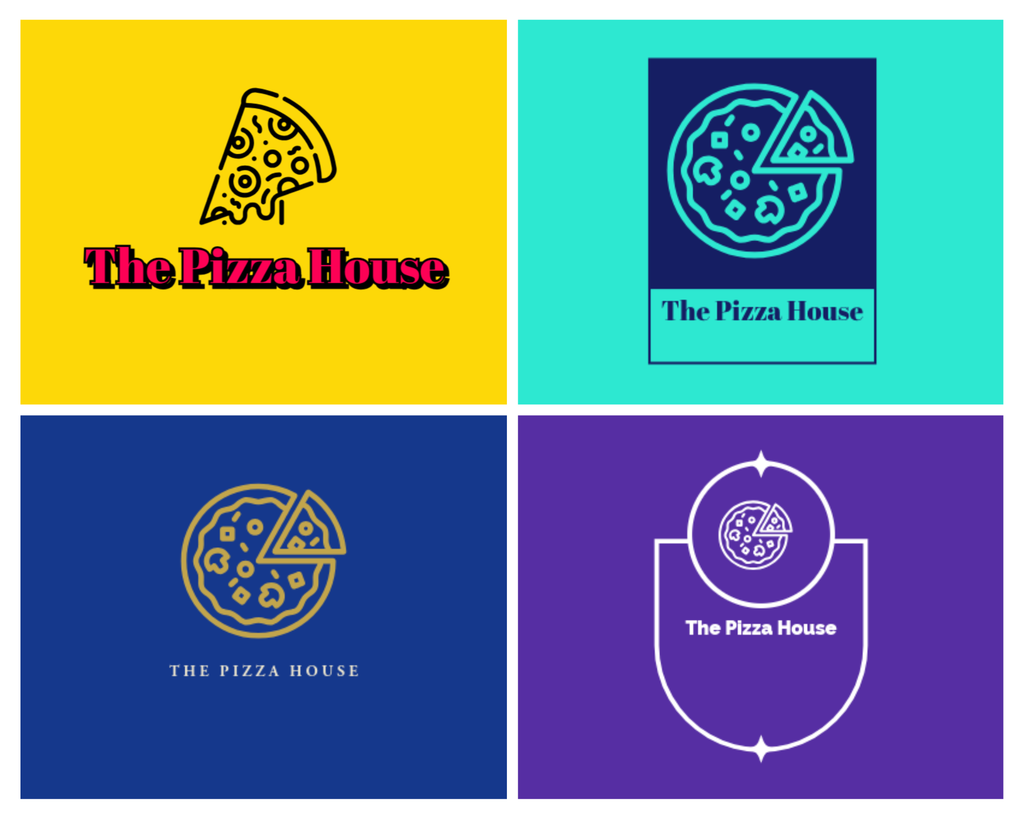
We’ve compiled five of the best AI logo makers you can use. We tested each tool to generate a logo for a pizza business. Check them out below:
1. Design.com
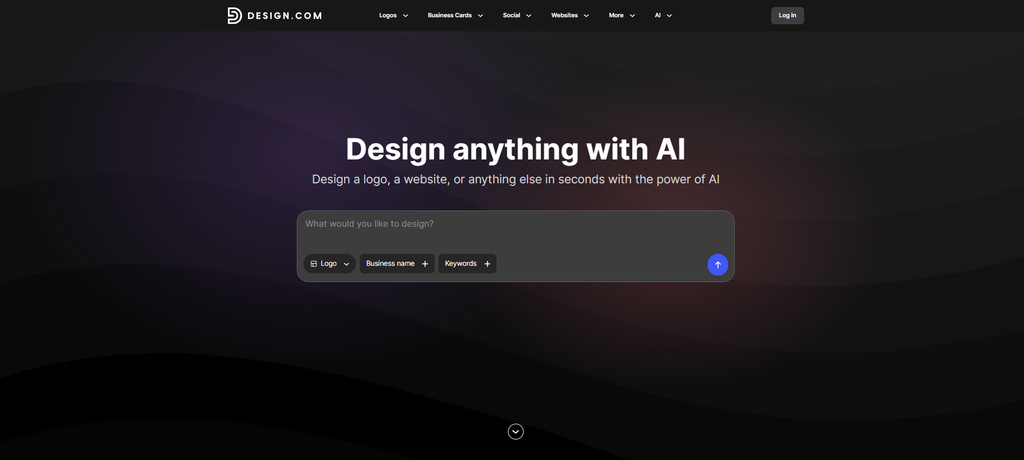
Best for: Businesses that want AI-powered logo creation and broader branding tools
Design.com combines AI-powered logo generation with a large design library and additional branding tools. Its AI logo maker can generate logo ideas based on your business, while its editing tools let you refine the results.
This AI logo generator has 400,000+ logo templates and more than 1 million total design templates, covering a wide range of industries and business needs. It also offers 750+ fonts, including 525+ exclusive fonts, and more than 62,000 custom vector shapes for further customization.
This versatility makes Design.com particularly well-suited to a wide range of businesses. A startup can use it to explore its initial identity, while an established business can use the platform to create additional branded materials around its logo.
The AI-powered tools also go beyond logo creation. Design.com offers tools for websites, business cards, flyers, presentations, and other business assets, which can be useful when you want to keep your branding consistent.
Why it works for different businesses:
- Startups: Plenty of design directions to explore while building a new brand
- Small businesses: Easy access to customizable designs across different industries
- E-commerce: Additional branding tools can support websites and digital marketing
- Restaurants and cafes: Large selection of styles and customization options
- Professional services: Fonts, layouts, and design options that can be adapted to create a polished identity
Overall, Design.com is a strong choice if you want an AI logo maker that can support your business beyond the initial logo.
See how Design.com works below:
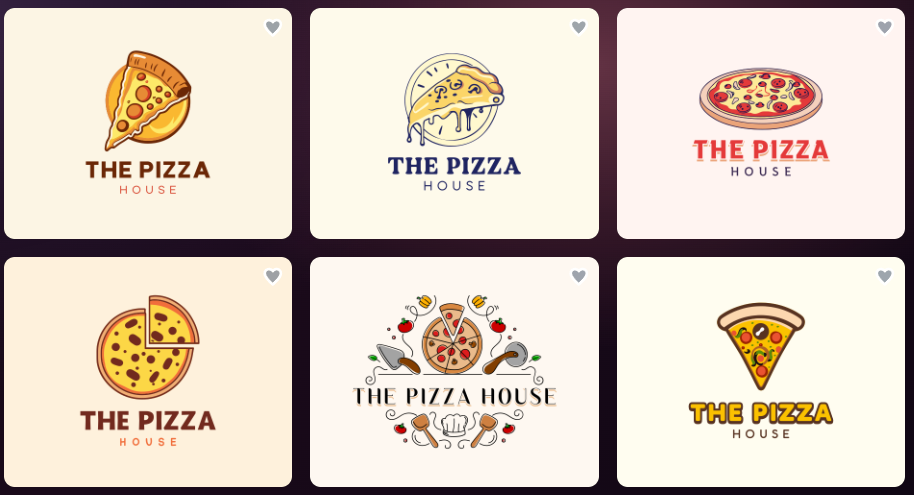
These are just some of the stunning logos we got from Design.com.
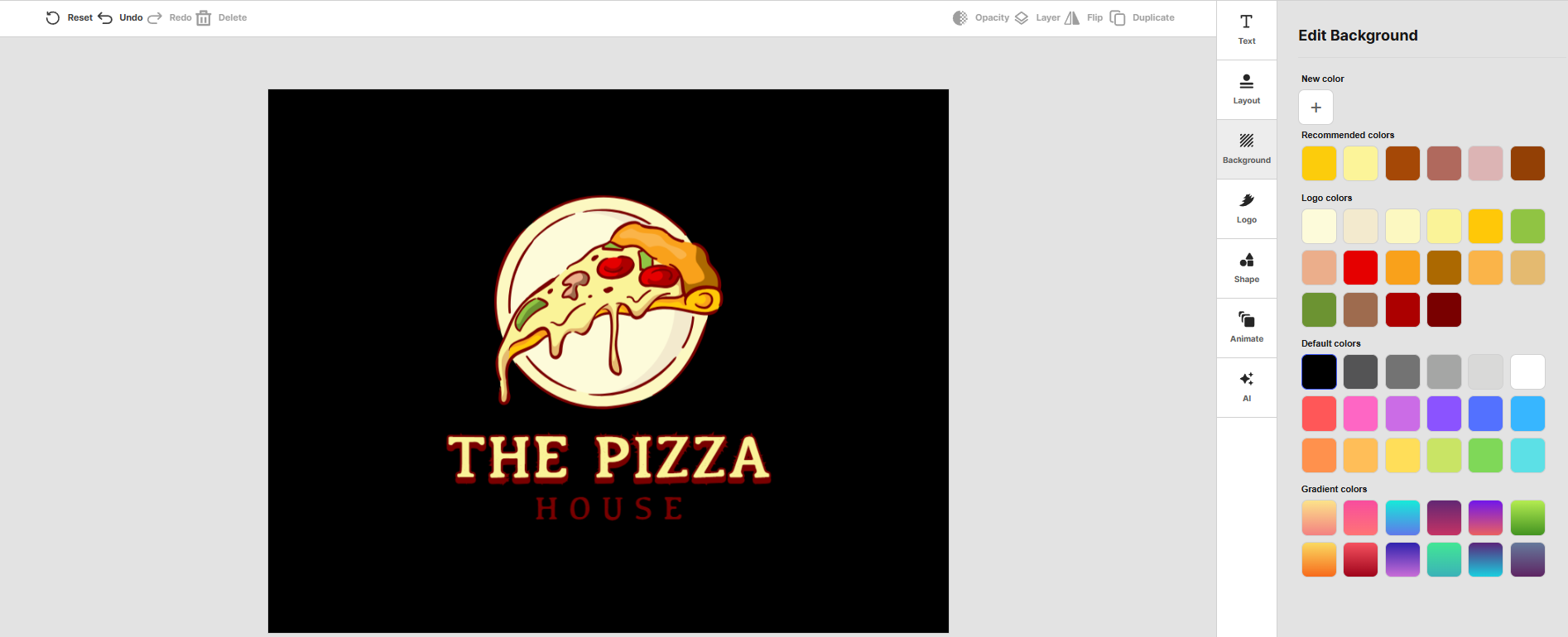
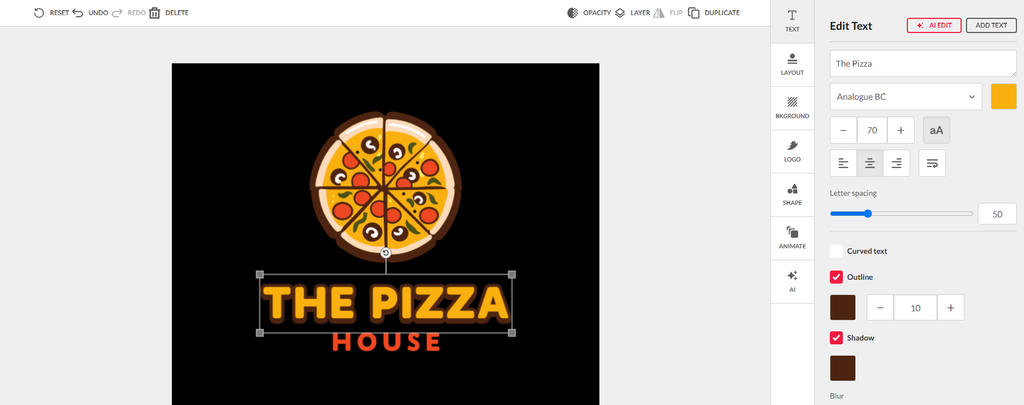
After choosing a logo, it’s so easy to customize it. We can edit the colors of the icon, the text, and even the background.
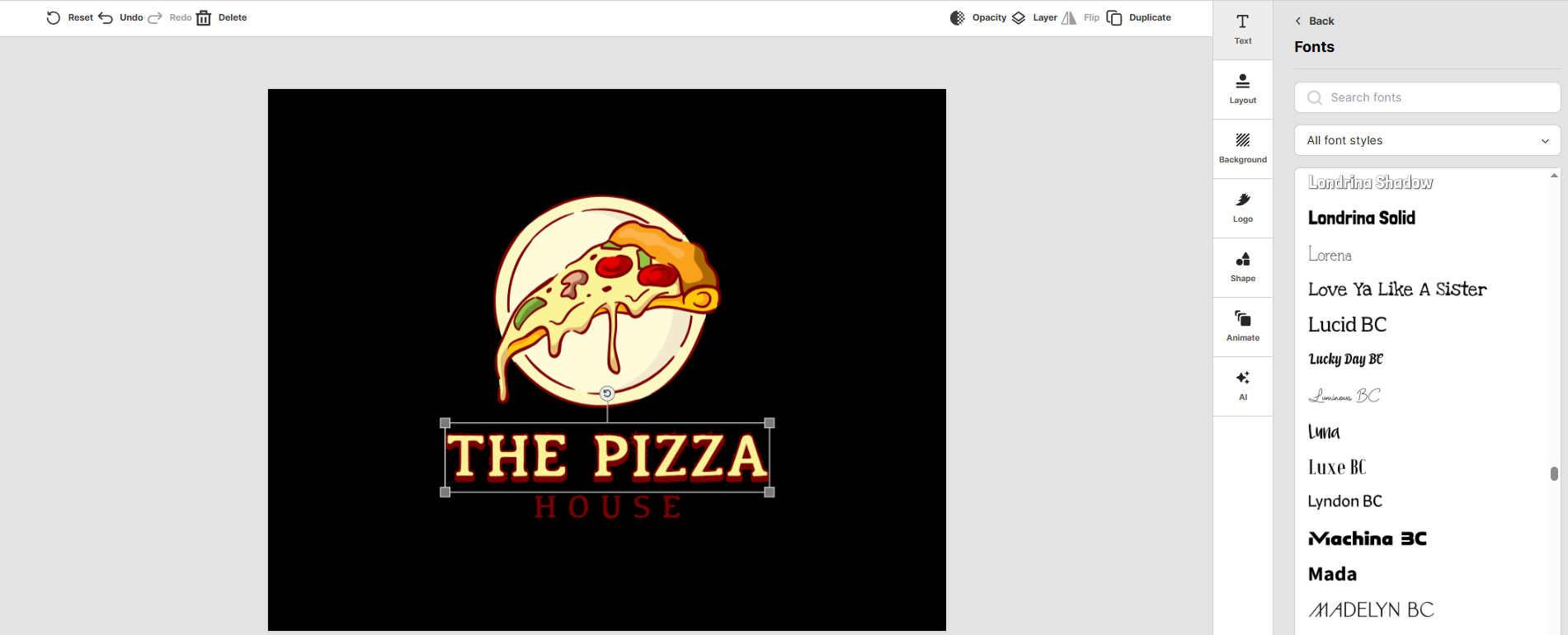
Plus, there are plenty of font options as well to choose from.
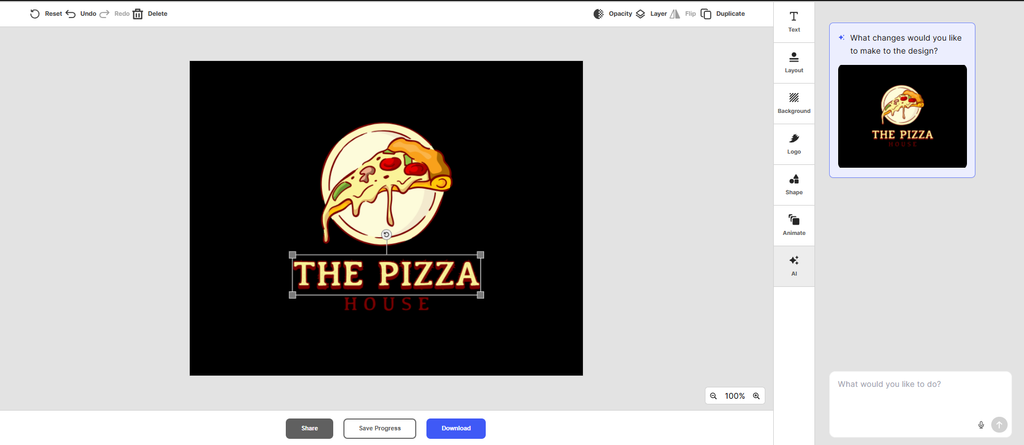
What we liked most about Design.com is its AI chat, where, instead of making changes manually, we can just ask the AI to do it for us!
2. BrandCrowd
Best for: Startups that want plenty of design options
BrandCrowd takes a library-first approach to logo creation while incorporating AI into the process. It offers 380,000+ professionally designed logo templates, covering a wide range of industries, styles, and use cases.
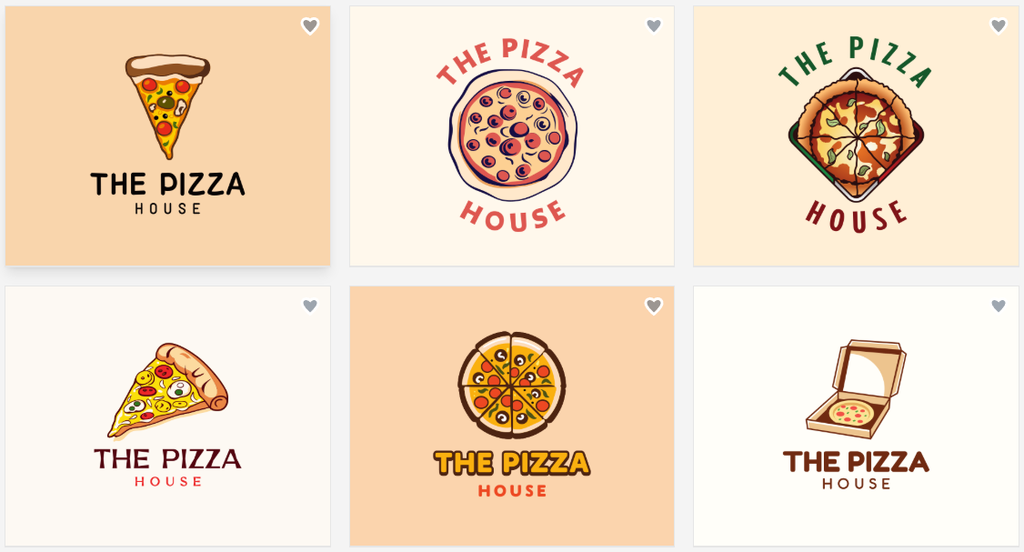
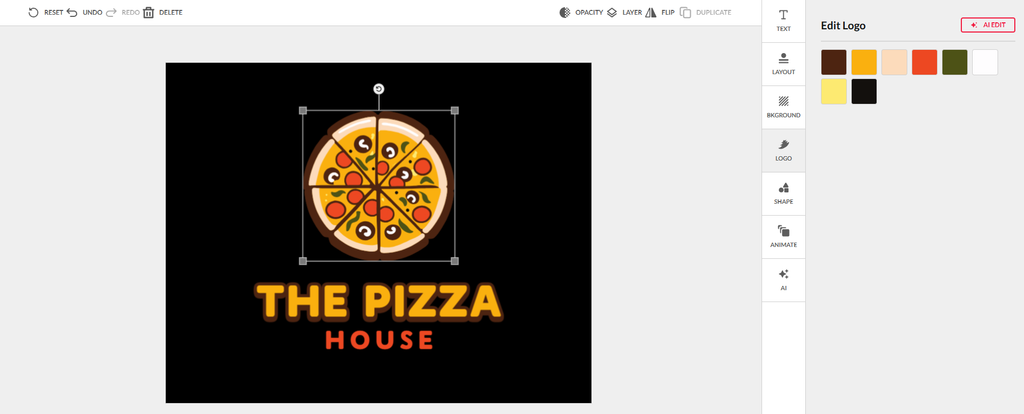
Its AI logo maker can produce a large number of concepts based on your business name and preferences. You can then refine the results with additional keywords and customize elements such as colors, fonts, layouts, spacing, and shapes.
This makes BrandCrowd useful for businesses that aren’t sure exactly what they want their logo to look like. Instead of starting with a blank page, you can browse different concepts and use them to find a visual direction that fits your business.
It also supports different industries, with logo categories ranging from restaurants and bakeries to finance, construction, photography, startups, and professional services.
Why it works for different businesses:
- Startups: A large selection of concepts makes it easy to explore different directions
- Small businesses: Industry-specific designs provide useful starting points
- E-commerce: Multiple styles can help online stores develop a distinctive identity
- Restaurants and cafes: Food and hospitality categories make it easier to find relevant inspiration
- Professional services: Corporate, wordmark, classic, and other styles can suit more traditional businesses
BrandCrowd is particularly useful if your priority is having a large number of logo ideas to explore before settling on a final design.
See how it works below:
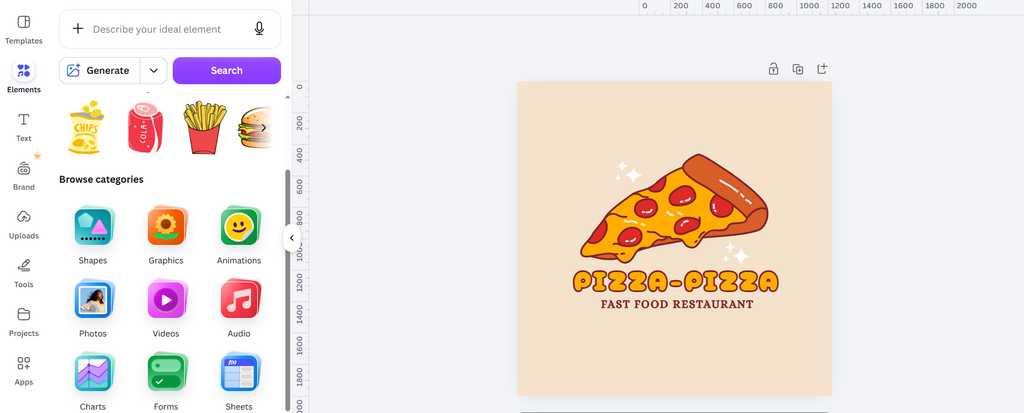
3. Canva
Best for: Businesses that want to create a logo and other marketing materials
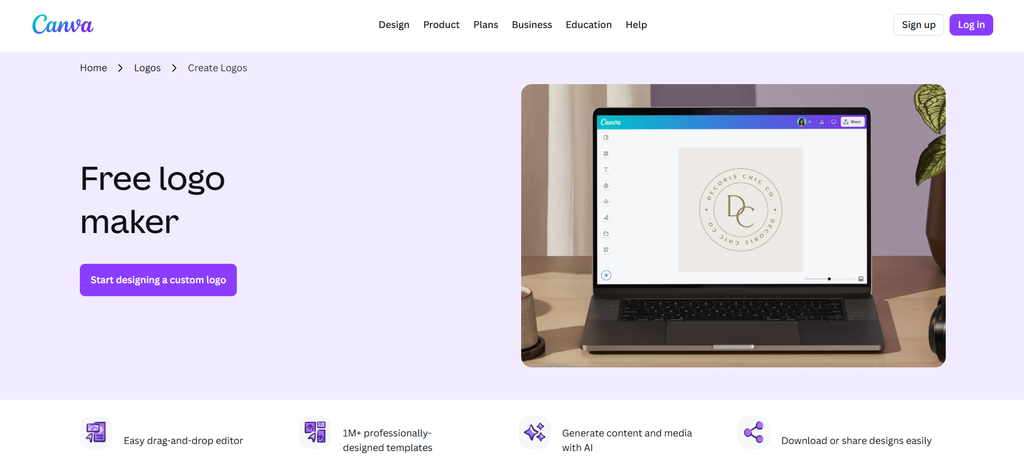
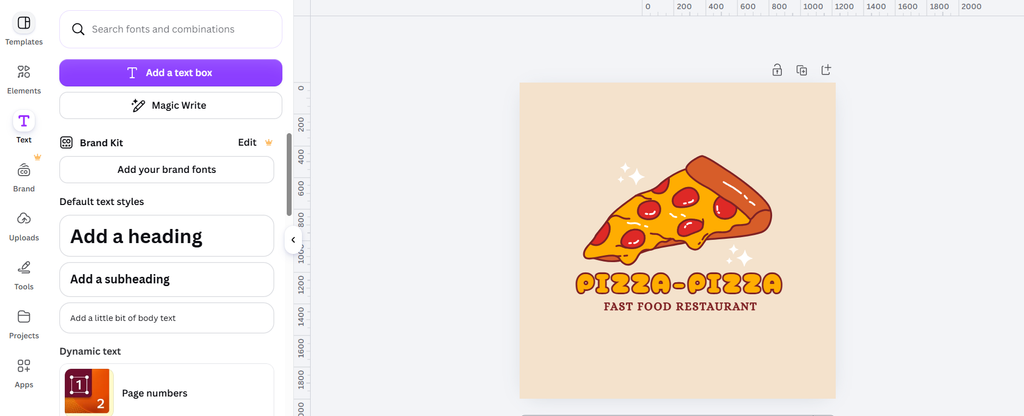
Canva is a broader design platform rather than just a logo maker. Its logo tool provides templates, fonts, graphics, and a drag-and-drop editor that makes the process accessible to beginners. Canva says users can create logos without advanced design skills and choose from millions of free icons and illustrations.
One of its biggest advantages is what you can do after creating the logo. Businesses can use Canva to create social media graphics, presentations, flyers, promotional materials, and other visual content.
This makes it particularly useful for small businesses and entrepreneurs who plan to handle much of their own marketing design.
Why it works for different businesses:
- Easy for beginners to use
- Useful for creating more than just logos
- Large selection of templates and design elements
- Helpful for businesses managing their own social media
- Convenient for creating a consistent collection of marketing materials
Canva may be a good fit if your main goal is to have a single, easy-to-use platform for your logo and broader content needs.
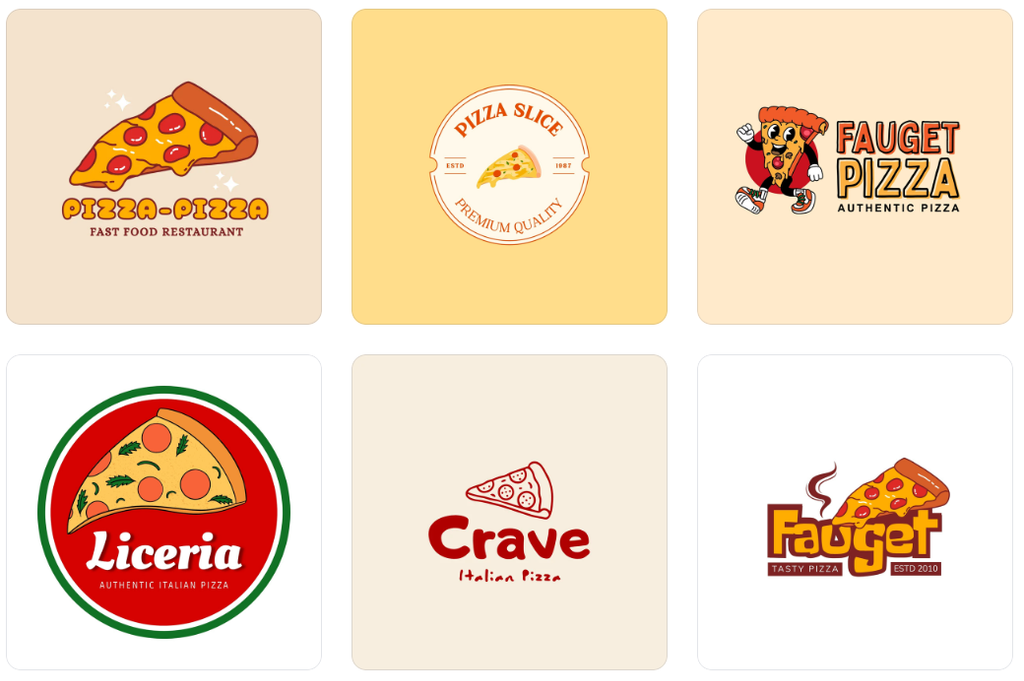
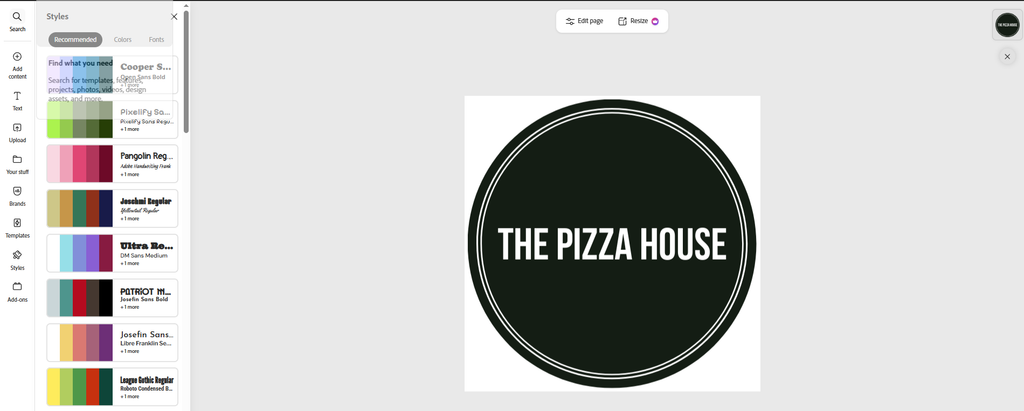
See how Canva works below:
4. Adobe Express
Best for: Businesses that want simple design tools within the Adobe ecosystem
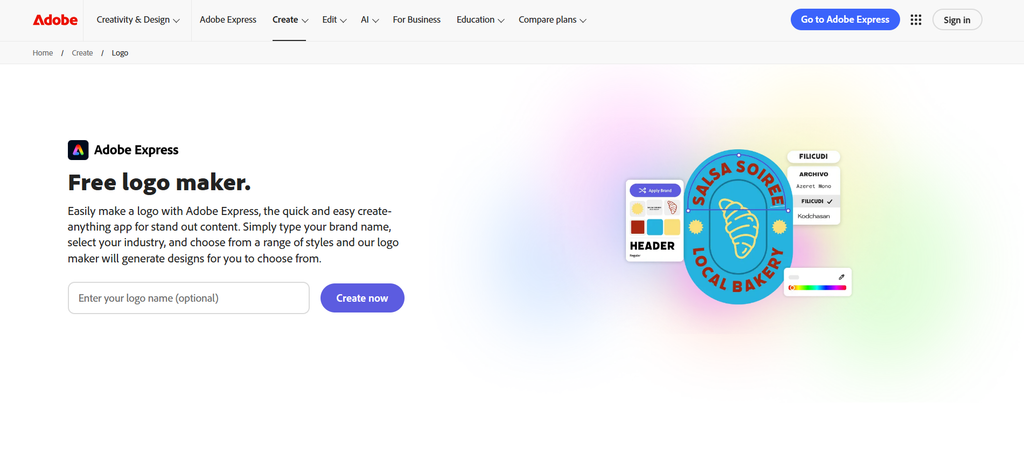
Adobe Express provides a more approachable alternative to Adobe’s professional creative software. It gives users templates and editing tools for creating logos and other visual content without requiring advanced design knowledge.
For businesses that already use Adobe products, Adobe Express can also provide a familiar environment for creating marketing materials.
It’s a practical option for businesses that want to create their own logo while also having access to tools for social media graphics, promotional content, and other designs.
Why it works for different businesses:
- Beginner-friendly design experience
- Useful for logos and wider marketing content
- Suitable for businesses already using Adobe products
- Templates make it easier to get started
- Can support a wider DIY branding workflow
If you want a straightforward design tool rather than a dedicated logo-only platform, Adobe Express is worth considering.
See how Adobe Express works here:
5. Shopify Logo Maker
Best for: E-commerce businesses that want a quick and simple logo
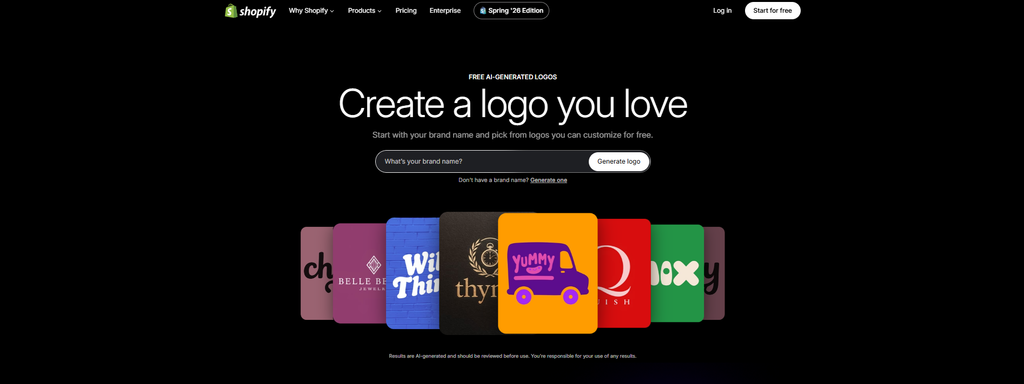
Shopify’s logo maker is designed for businesses that want to create a logo without going through a complicated design process. The tool is particularly relevant to e-commerce entrepreneurs who are already thinking about their online store and wider brand identity.
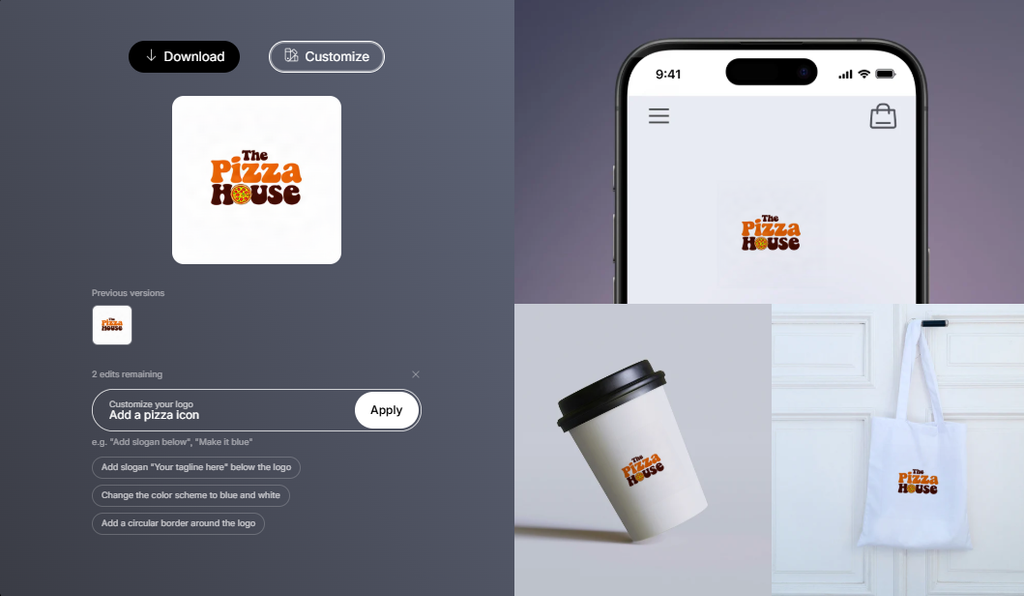
Shopify’s logo maker lets users explore designs and customize elements such as colors, fonts, icons, and layouts.
Its biggest advantage is simplicity. If you don’t need hundreds of advanced editing options and simply want a clean logo to get your business started, a straightforward tool can be more useful than an overly complicated one.
Why it works for different businesses:
- Particularly useful for e-commerce businesses
- Quick and straightforward to use
- Beginner-friendly
- Doesn’t require professional design experience
- Suitable for businesses that need a simple logo without a complicated workflow
For an online store that wants to get its branding in place quickly, Shopify Logo Maker can be a practical option.
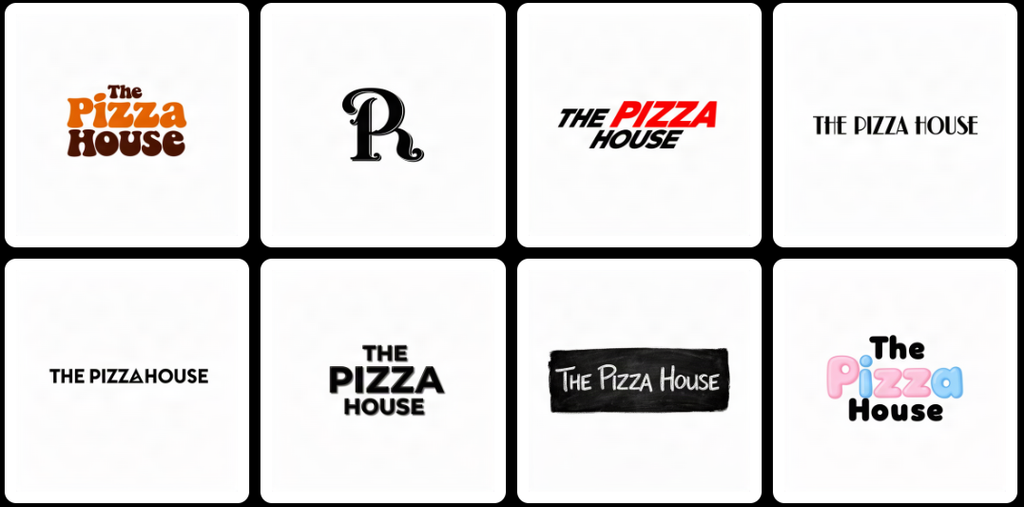
Here’s how Shopify works:
How to Choose the Right AI Logo Maker for Your Business
Once you’ve narrowed down your options, think about what matters most for your business.
Consider Your Industry
Your logo should make sense for the business you’re building. Look for a tool with enough design variety to explore styles that fit your industry without limiting you to generic concepts.
Think About Your Budget
AI logo makers can be a more accessible alternative to hiring a professional designer, but “free” and “low-cost” don’t always mean the same thing.
Check what you can create and download before committing to a platform. Some tools offer free design creation but charge for certain downloads or features.
Consider How Much Customization You Need
If you already know exactly what you want, you’ll probably want a tool with strong editing capabilities.
If you’re still exploring ideas, a platform with a large library or AI-generated concepts may be more useful because it gives you different starting points.
Think About Your Future Branding Needs
Your business may eventually need more than a logo.
If you’re launching a startup or ecommerce brand, for example, you might need social media graphics, business cards, presentations, flyers, or website assets. A platform with additional branding tools can make it easier to maintain visual consistency.
Check the Files and Usage Terms
Finally, check what file types you can download and how you are allowed to use the finished design.
If you plan to print the logo, look for appropriate high-resolution or vector formats. You should also review the platform’s licensing terms before using the logo commercially.
Final Thoughts
The best AI logo maker for your business depends on what you’re trying to create.
A startup may prioritize speed and flexibility. A restaurant may want more creative options. An e-commerce business may need a logo that works across digital channels, while a professional services firm may prioritize a clean and trustworthy visual identity.
Design.com and BrandCrowd are both strong choices for businesses that want to explore a wide range of logo concepts and customize their designs. Explore these tools and find the perfect logo for your business!



