Contents · Jump to a section
Need to create a presentation but don’t want to spend hours building every slide from scratch?
AI presentation makers can help turn an idea, outline, or prompt into a structured presentation in much less time. Instead of manually choosing layouts, formatting text, and searching for visuals, these tools can handle much of the initial work for you.
But not every AI presentation maker is designed for the same type of user.
A student might need a quick way to turn research into a class presentation. A marketer may prioritize visual quality and brand consistency, while a business may need professional decks for pitches, reports, proposals, or client meetings.
So, which AI presentation maker is right for you?
We’ve compared six popular options to help students, marketers, and businesses find the best fit.
AI Presentation Makers: Quick Comparison
| AI Presentation Maker | Best For | Key Strength |
| Design.com | Students, marketers, and businesses | AI presentation generation and professional design templates |
| BrandCrowd | Students, marketers, and businesses | Branded presentation templates and customization |
| Canva | Students and marketers | Easy editing and a broad visual design library |
| Gamma | Fast presentation creation | Turning prompts and outlines into complete decks |
| Beautiful.ai | Businesses and professional presentations | Automated slide layouts and consistent design |
What Should You Look for in an AI Presentation Maker?
Before choosing a tool, consider how you actually plan to create and use your presentations.
AI Generation
The main advantage of an AI presentation maker is that it can reduce the amount of manual work required to create slides.
Some tools can generate an entire presentation from a prompt, while others focus more on helping you create individual slides or improve existing content.
Templates and Design
A presentation still needs to look good, even when AI creates the initial version.
Look for a tool with enough templates, layouts, themes, and visual options to match the type of presentation you’re creating.
Customization
AI-generated slides are a starting point, not necessarily the finished product.
You should be able to change fonts, colors, images, layouts, text, and other elements so the final presentation fits your needs.
Branding
Branding becomes especially important for marketers and businesses.
If you’re creating sales decks, proposals, reports, or pitch presentations, look for tools that allow you to apply your logo, colors, fonts, and other brand elements consistently.
Collaboration
Students may work on group projects, while marketers and business teams often need multiple people to review and edit presentations.
Collaboration features can make it easier to share presentations and work together without constantly sending different versions of the same file.
Export Options
Finally, consider where your presentation needs to go once it’s finished.
Depending on your workflow, you may want to export your presentation as a PowerPoint file, PDF, image, or another format. Make sure the tool supports the format you actually need.
Best AI Presentation Makers Compared
Check out the five best AI Presentation Maker tools below:
1. Design.com
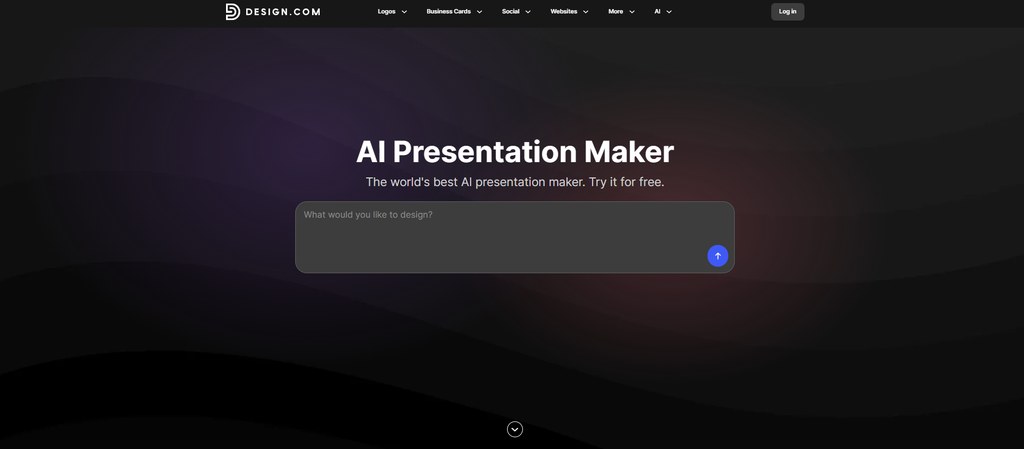
Best for: Students, marketers, and businesses that want AI-powered presentation creation with professional designs
Design.com offers an AI presentation maker that can generate professional slide decks from keywords or a business name. Instead of starting with a blank presentation, you can use AI to generate relevant designs and then customize the results to fit your topic or brand.
The platform currently offers hundreds of templates, including layouts for pitch decks, sales reports, webinars, and other presentation types. It also provides a visual editor where users can change fonts, colors, layouts, and other elements without needing advanced design skills.
Here are just some of the templates you can use:
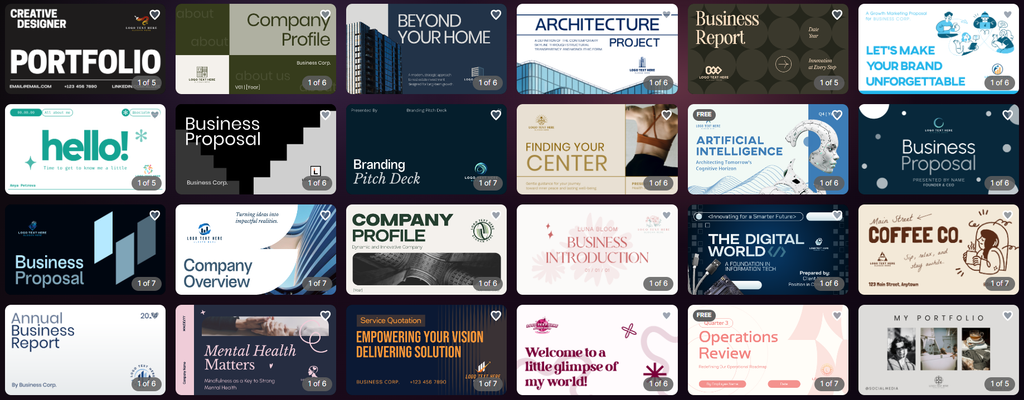
Another useful feature is its focus on branding. You can upload a logo and have Design.com match presentation colors and design elements to your existing brand identity. This makes it particularly relevant for marketers and businesses creating presentations that need to look consistent with their other branded materials.
Once you’ve chosen a template, you can customize it to fit your branding. You can choose from other templates:
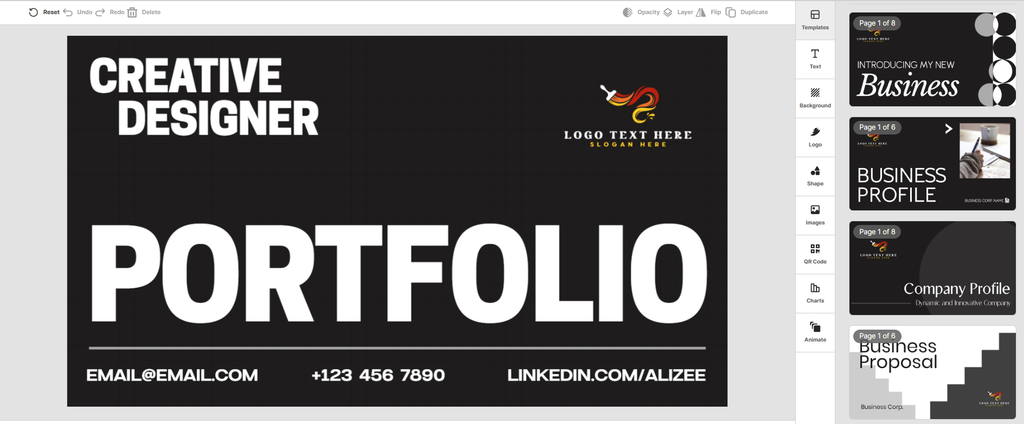
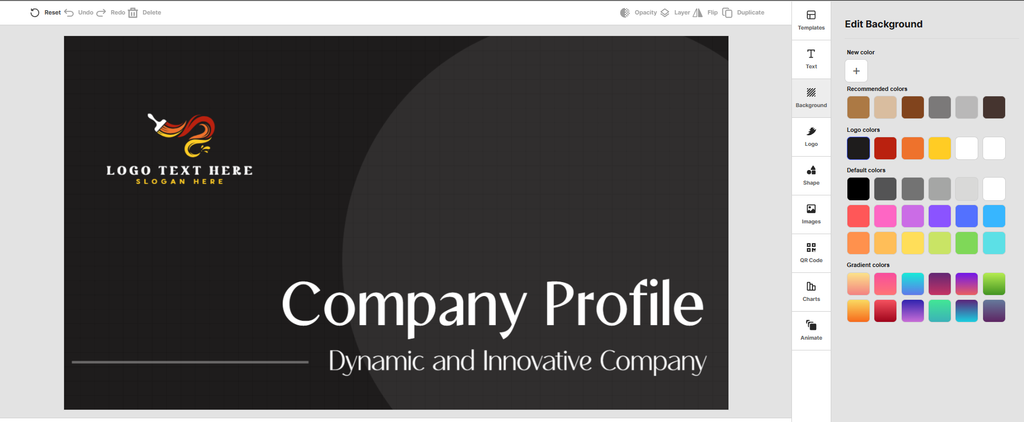
change the colors:
Customize the fonts:
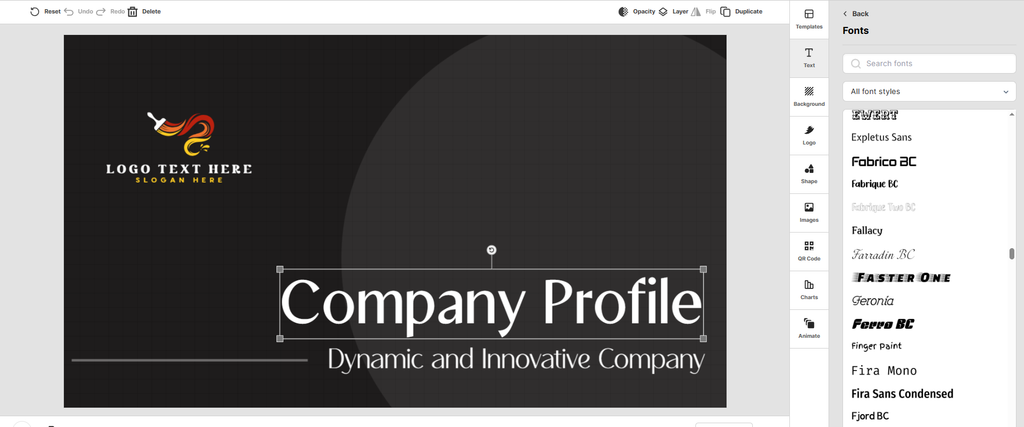
Add QR codes:
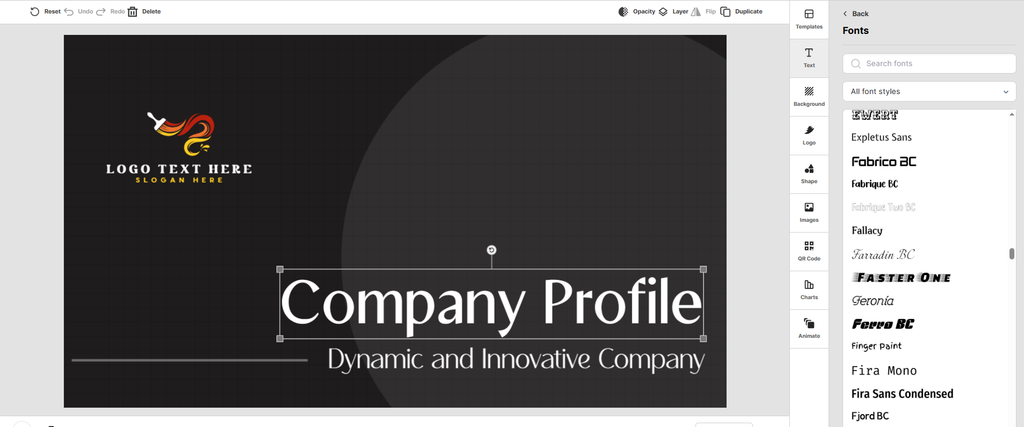
and even charts:
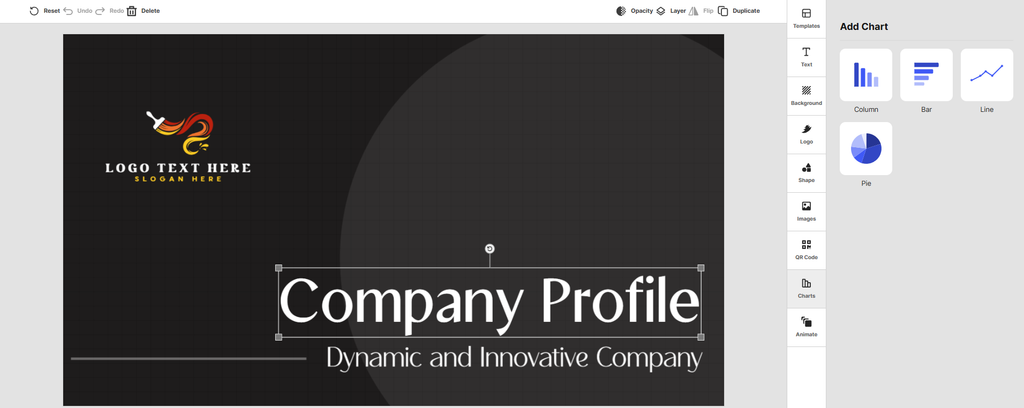
For students, AI-generated and ready-made templates can make it easier to turn a topic or outline into a visually organized presentation. Marketers can use it for pitches, reports, proposals, and other campaign materials, while businesses can create presentations for investors, clients, internal meetings, and sales teams.
Why it works for different users:
- Students: Quickly create polished presentations without advanced design experience
- Marketers: Useful for pitches, reports, proposals, and branded presentations
- Businesses: Supports professional decks, client presentations, and business reports
- Non-designers: Simple editing tools make customization straightforward
- Brand-focused teams: Logo integration and automatic brand matching help maintain consistency
Design.com is a strong all-around option if you want AI to help with presentation creation while still having plenty of control over the final design.
2. BrandCrowd
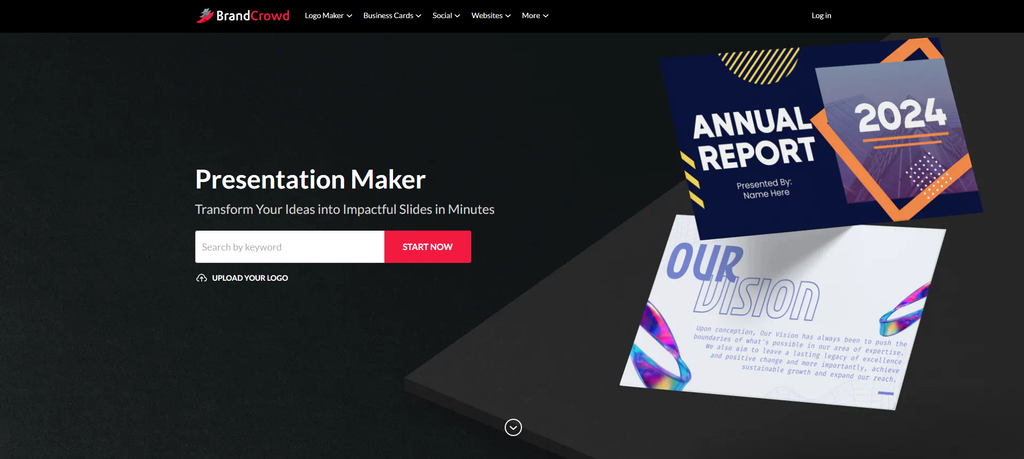
Best for: Marketers and businesses that want customizable, branded presentations
BrandCrowd takes a template-driven approach to presentation creation. Its presentation maker lets you enter your business name and browse thousands of presentation templates, which are customized with your logo colors to help create a consistent brand identity.
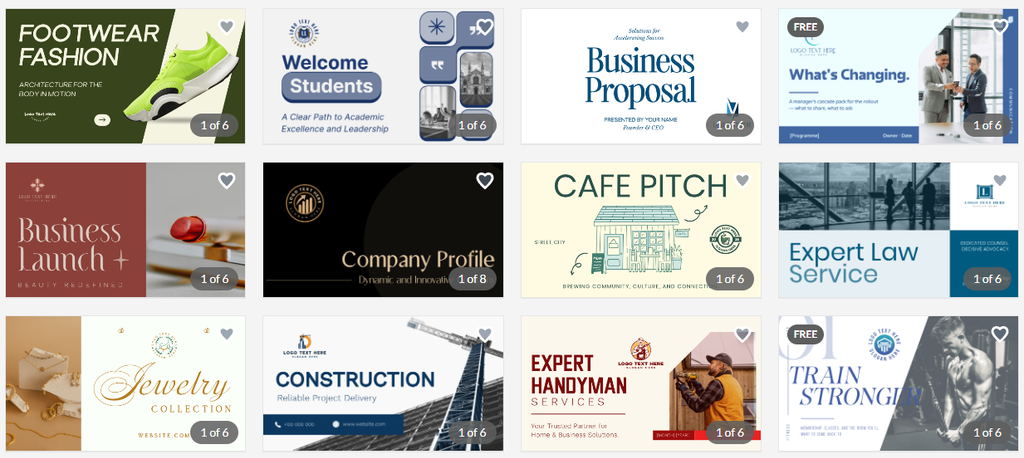
You can customize the presentation’s colors, fonts, layout, logo, text, and other elements. BrandCrowd also provides multiple layout options, allowing users to create variations of a presentation rather than being locked into a single design.
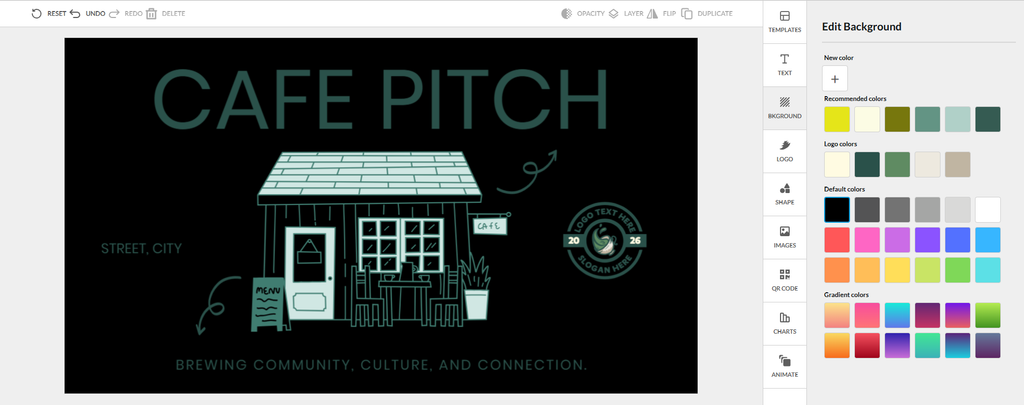
The platform is particularly useful for marketers and businesses because its presentation tools integrate with other branded design assets. You can also create matching social media designs, letterheads, and email signatures, making it easier to maintain a consistent visual identity across channels.
For students, BrandCrowd can still be useful when creating a presentation that needs a polished visual style, but its branding features make it especially relevant to people creating presentations for professional or commercial purposes.
Why it works for different users:
- Students: Ready-made templates can provide a strong starting point for presentations
- Marketers: Useful for branded presentations, reports, and promotional materials
- Businesses: Helps create presentations that match an existing brand identity
- Teams: Unlimited customization allows users to create different versions of a presentation
- Non-designers: Simple editing tools make it easy to adjust the design
BrandCrowd is a good choice if you want a professionally designed starting point and plenty of control over your presentation’s branding and appearance.
3. Canva
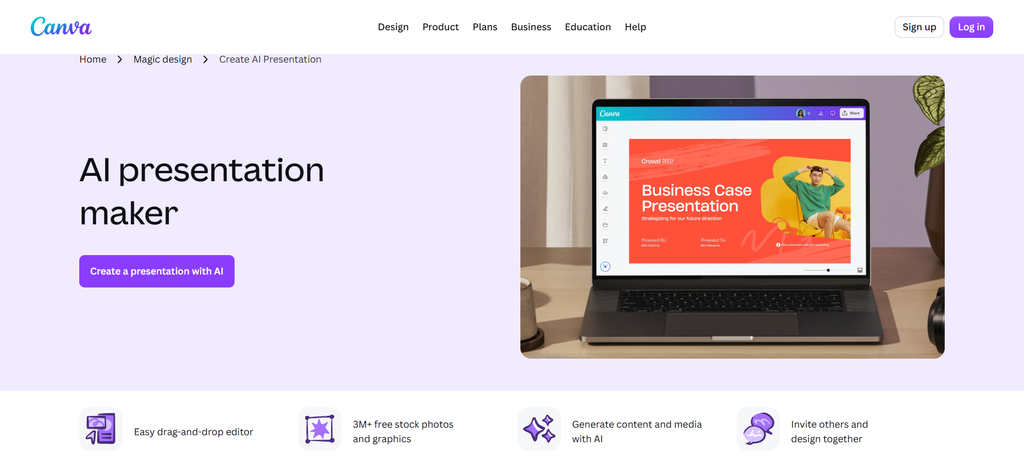
Best for: Students and marketers who want flexible presentation design
Canva is a comprehensive visual design platform that includes presentation creation, as well as tools for social media graphics, documents, videos, posters, and other content.
Its presentation tools are particularly accessible for beginners. You can start with a template, use AI-powered features to help generate content and designs, and then customize the presentation using Canva’s drag-and-drop editor.
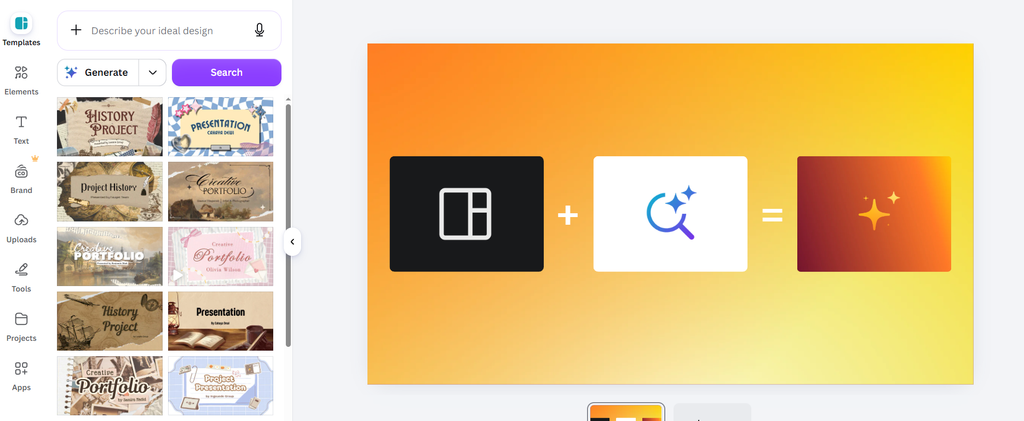
For students, this can be useful for creating class presentations without having to learn complicated presentation software. You can also use the platform to create visual elements, charts, graphics, and other materials for a project.
Marketers may get even more value from Canva’s wider ecosystem. The same platform can be used to create presentations, social media posts, advertisements, reports, and other marketing materials.
Why it works for different users:
- Students: Easy to learn and useful for school projects
- Marketers: Strong selection of visual and marketing templates
- Businesses: Useful for presentations and wider branded content
- Beginners: Drag-and-drop editing keeps the design process simple
- Teams: Useful for creating and sharing visual content collaboratively
Canva is worth considering if your presentation needs are part of a wider content creation workflow rather than something you do occasionally.
4. Gamma
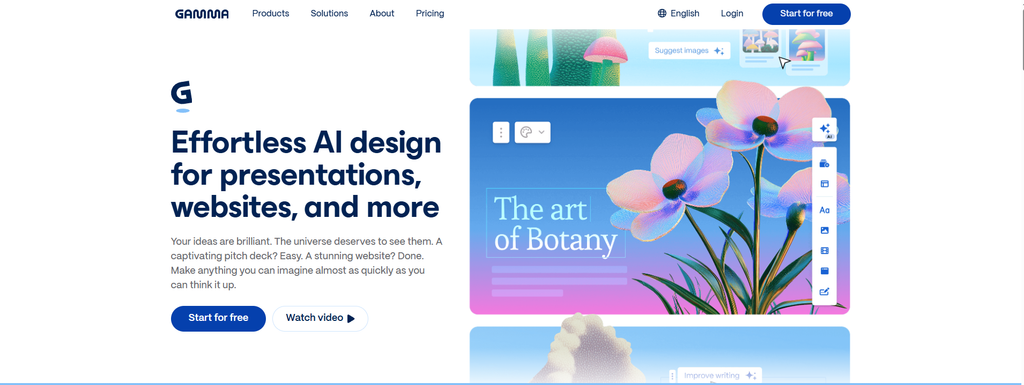
Best for: Quickly turning ideas into complete presentations
Gamma takes a more AI-first approach to presentation creation. Rather than starting with a traditional slide template, you can provide a prompt or outline and let the platform generate a structured presentation.
This makes Gamma particularly useful when speed is your priority. Instead of spending time deciding how many slides you need and what each one should contain, you can start with your main idea and use AI to build an initial structure.
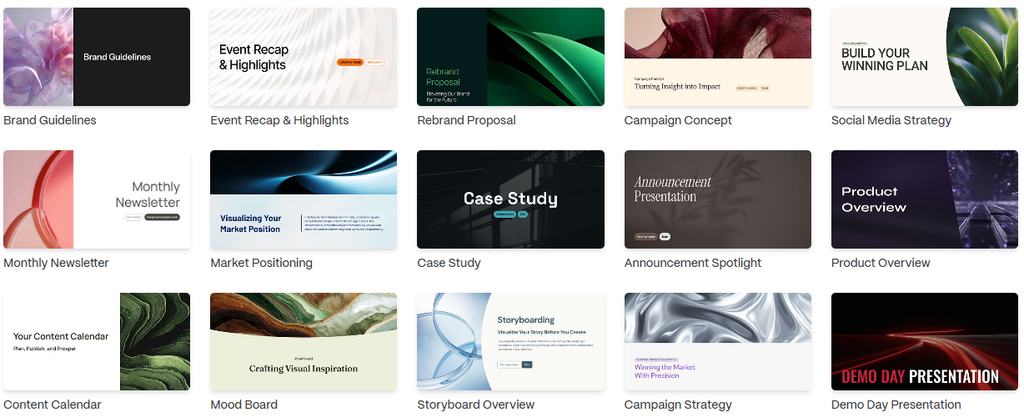
Students can use this approach to turn research notes or an assignment topic into a starting point for a presentation. Marketers can use it for early versions of campaign presentations, reports, or pitches, while businesses can use it to quickly develop a first draft for internal or client presentations.
Current comparisons continue to highlight Gamma’s speed and prompt-to-deck workflow as one of its main strengths.
Why it works for different users:
- Students: Useful for turning topics and outlines into presentations quickly
- Marketers: Helps create first drafts for campaigns and pitches
- Businesses: Useful for quickly developing presentations from existing ideas
- Time-conscious users: Reduces the amount of manual slide creation
- Content-focused users: Good for turning written information into a visual structure
Gamma is especially useful when you have the content or idea but don’t want to spend hours figuring out the initial presentation structure.
5. Beautiful.ai
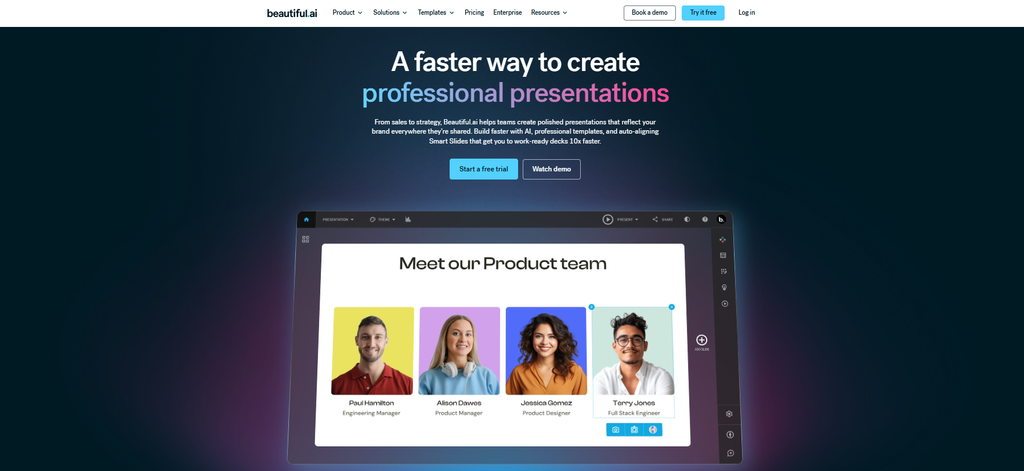
Best for: Businesses that want consistent, polished slide layouts
Beautiful.ai focuses heavily on presentation design. Its Smart Slides approach automatically adjusts layouts as you add or change content, helping maintain a clean and consistent appearance.
This can be particularly useful for businesses where presentations need to look professional without requiring someone to manually adjust every element on every slide.
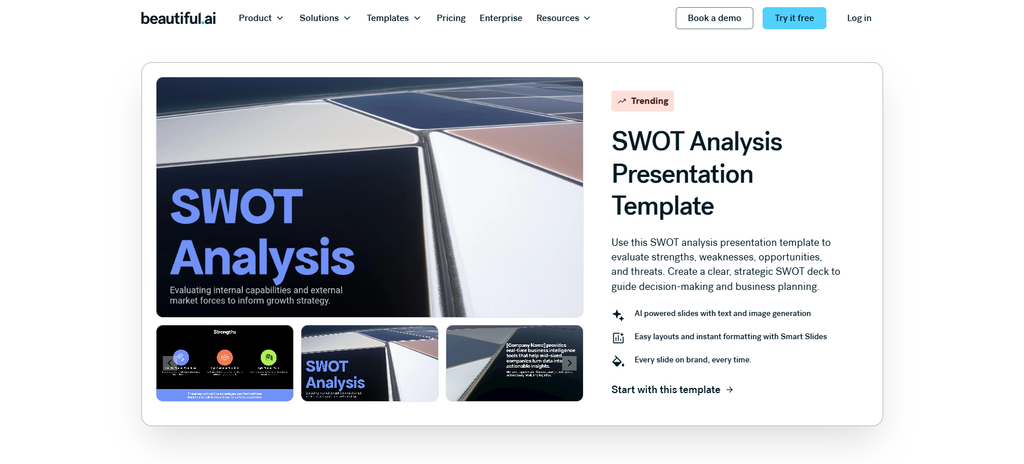
Marketers can use it for sales decks, proposals, reports, and campaign presentations, while businesses can use it for investor presentations, client decks, internal reports, and other professional materials.
Current comparisons frequently highlight Beautiful.ai for design consistency and automated layouts.
Students can also use it, particularly when presentation quality is important, although its business-oriented features may be more useful for professional users.
Why it works for different users:
- Students: Helps create visually consistent presentations
- Marketers: Useful for professional pitches and reports
- Businesses: Strong option for polished business presentations
- Teams: Automated layouts can reduce manual formatting
- Non-designers: Helps maintain visual consistency without advanced design skills
Beautiful.ai is a good fit if you care more about consistent, professional slide design than having an extremely broad general-purpose design platform.
Which AI Presentation Maker Is Best for Students?
Students generally need three things from an AI presentation maker: speed, ease of use, and enough design flexibility to create a presentation that looks good without spending hours formatting slides.
Design.com is a strong option if you want ready-made professional designs and AI assistance. Canva is another good choice if you want more control over individual design elements and also need to create other visual content.
Gamma can be useful when you have an outline or topic and want AI to help turn it into a complete presentation quickly.
The right choice ultimately depends on whether you care more about speed, design flexibility, or having a broader visual design platform.
Which AI Presentation Maker Is Best for Marketers?
Marketers usually need more than a one-off presentation. They may create sales decks, campaign reports, client proposals, pitch presentations, case studies, and internal presentations.
For this type of work, Design.com and BrandCrowd stand out for their focus on branded presentation designs and customization. Design.com combines AI presentation generation with a large template ecosystem, while BrandCrowd makes it easy to customize presentation templates around a brand’s logo and colors.
Canva is also useful for marketers who want to create presentations alongside social media graphics, advertisements, and other marketing content.
Which AI Presentation Maker Is Best for Businesses?
Businesses should think beyond simply generating slides. Branding, collaboration, editing, file compatibility, and consistency can all matter.
Design.com is a strong option for businesses that want AI generation alongside customizable professional designs and broader branding tools. BrandCrowd is useful for businesses that want presentation templates that can be adapted to their existing brand identity.
Beautiful.ai is another strong choice for teams that prioritize consistent, polished slide layouts.
How to Choose the Right AI Presentation Maker
With so many tools available, the best way to choose is to start with your actual workflow.
If You Need a Presentation Quickly
Look for a tool that can generate a complete deck from a prompt, outline, or short description. AI-first tools such as Gamma can be useful when your main priority is getting from an idea to a first draft quickly.
If Design Matters Most
Choose a platform with strong templates and customization options. Design.com, BrandCrowd, Canva, and Beautiful.ai each take different approaches to presentation design.
If You’re Creating Branded Presentations
Look for logo integration, brand colors, reusable templates, and other branding features. This is particularly important for marketers and businesses creating presentations for clients or customers.
If You’re a Student on a Budget
Look at the free features first. Students may not need advanced business features, so an accessible tool with good templates and simple editing may be enough.
Final Thoughts
AI presentation makers can take much of the repetitive work out of creating slides, but the best option depends on what you’re trying to accomplish.
For students, ease of use and speed are likely to matter most. Marketers may care more about branding, visual quality, and the ability to create diverse content. Businesses often need professional design, collaboration, consistency, and compatibility with their existing software.
Design.com and BrandCrowd are particularly useful for users who want professionally designed presentation templates with customization options. Design.com adds AI presentation generation, smart layout suggestions, brand matching, and a large template ecosystem, while BrandCrowd focuses on thousands of customizable presentation templates and brand-focused design tools.
The important thing is not to choose an AI presentation maker simply because it has the most AI features. Choose one that fits your workflow, gives you enough control over the final presentation, and helps you create slides that are actually useful to the people viewing them.



